dlboard




A free, self-hosted ML experiment tracker that’s as easy to run as TensorBoard, purpose-built for comparing runs and scaling to teams, large and small.
Browse experiments side-by-side, compare metrics across runs, track hyperparameters, and log artifacts — all without leaving your infrastructure. dlboard is a modern web UI built on Dash/Dash-Mantine, with a PyTorch Lightning logger client that ships metrics and artifacts to your server over a REST API.
Quick Start
1. Install
dlboard is two packages. Install whichever matches the machine:
pip install dlboard                       # the server and the `dlboard` command (includes the client)
pip install "dlboard-client[lightning]"   # just the logger, for a training environment
They don’t need to be on the same machine: install dlboard where you want to browse runs, and
dlboard-client[lightning] wherever you train. Postgres and S3 support are extras of the server:
pip install "dlboard[postgres,s3]".
2. Run
dlboard serve local
That’s it. Visit http://localhost:8050 and you’ll have a clean, modern experiment tracker running locally with SQLite and local disk storage — no database setup, no configuration needed.
3. Log a training run
Point your training script at the running server:
from dlboard.client.dlboard_logger import DLBoardLogger
import pytorch_lightning as pl

logger = DLBoardLogger.from_names(
  project_name="character-classification",
  experiment_name="mnist",
)

trainer = pl.Trainer(logger=logger, ...)
trainer.fit(model, dataloader)
Every metric, hyperparameter, and artifact you log gets synced to dlboard in the background.
Features
- One-command setup —
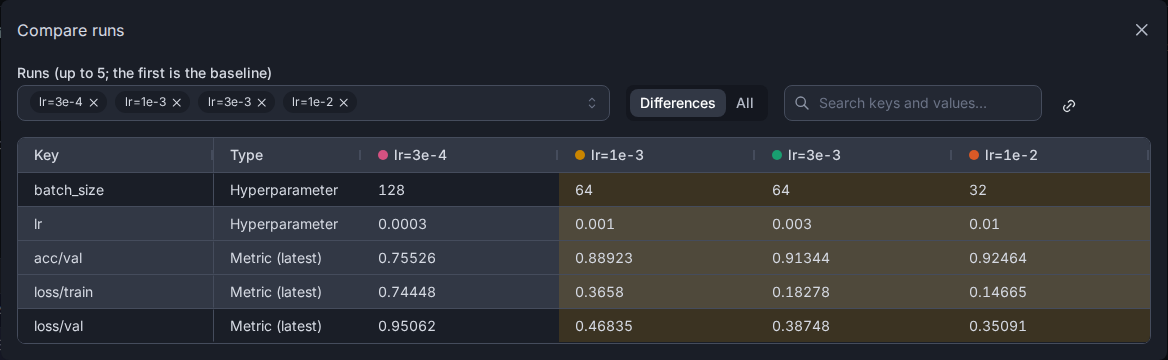
dlboard serve localwith zero configuration - Side-by-side run comparison — compare metrics, hyperparameters, and artifacts across any runs, or diff up to five runs in a shareable modal
- PyTorch Lightning integration — drop in
DLBoardLoggerand you’re done - Personal views — save custom layouts and filters without touching the shared experiment page
- Built for big experiments — panels and the charts in them are paged and fuzzy-filterable, so an experiment with thousands of charts opens as fast as a small one, and every page and filter is a shareable link
- Artifact streaming — log images, plots, and structured data; browse them in the UI
- Multi-project support — organize experiments by project
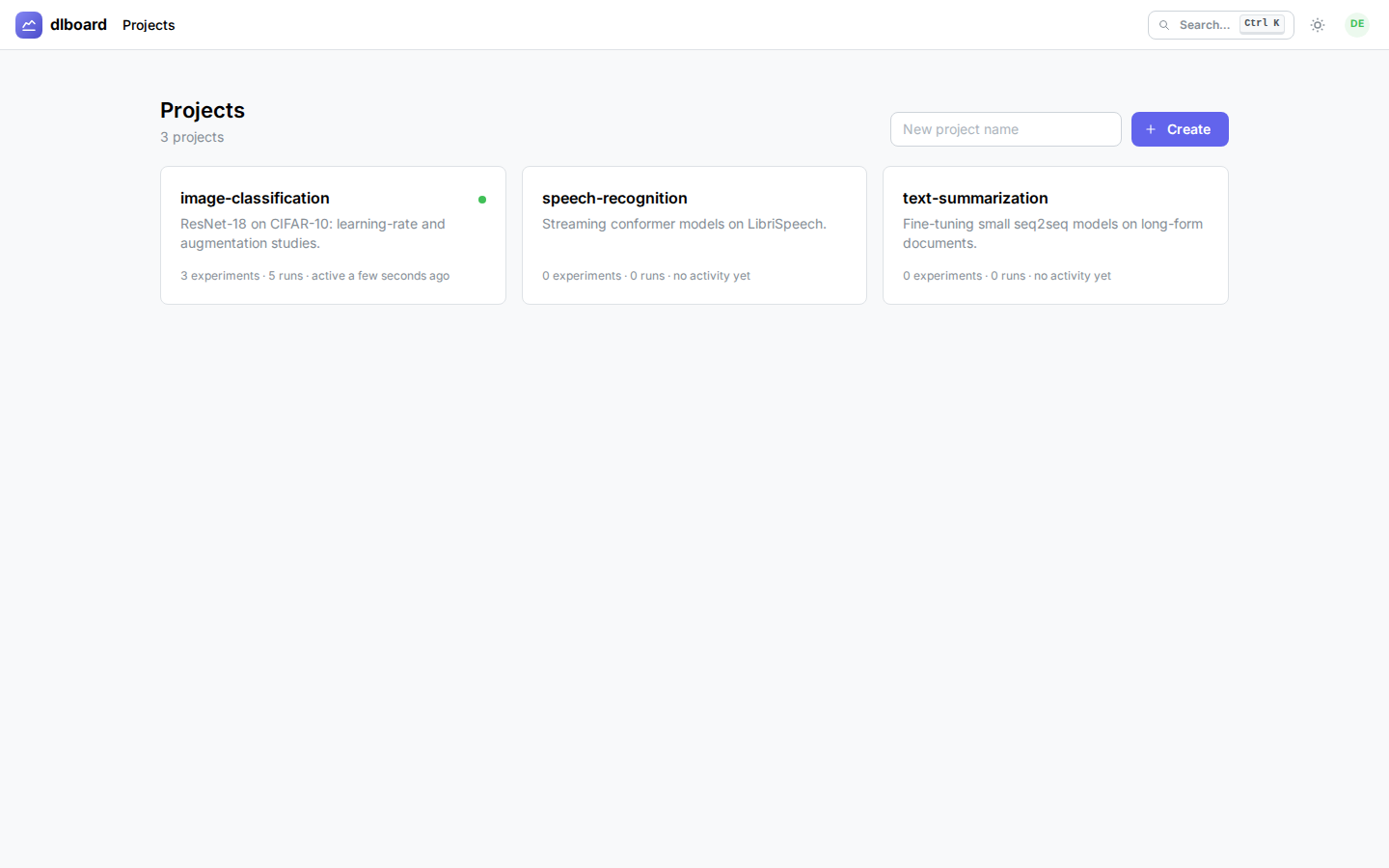
- Light & dark mode — built with Dash-Mantine for a modern UI
- Lightweight client — the Python client has minimal dependencies (no torch required unless you use Lightning)
See It In Action
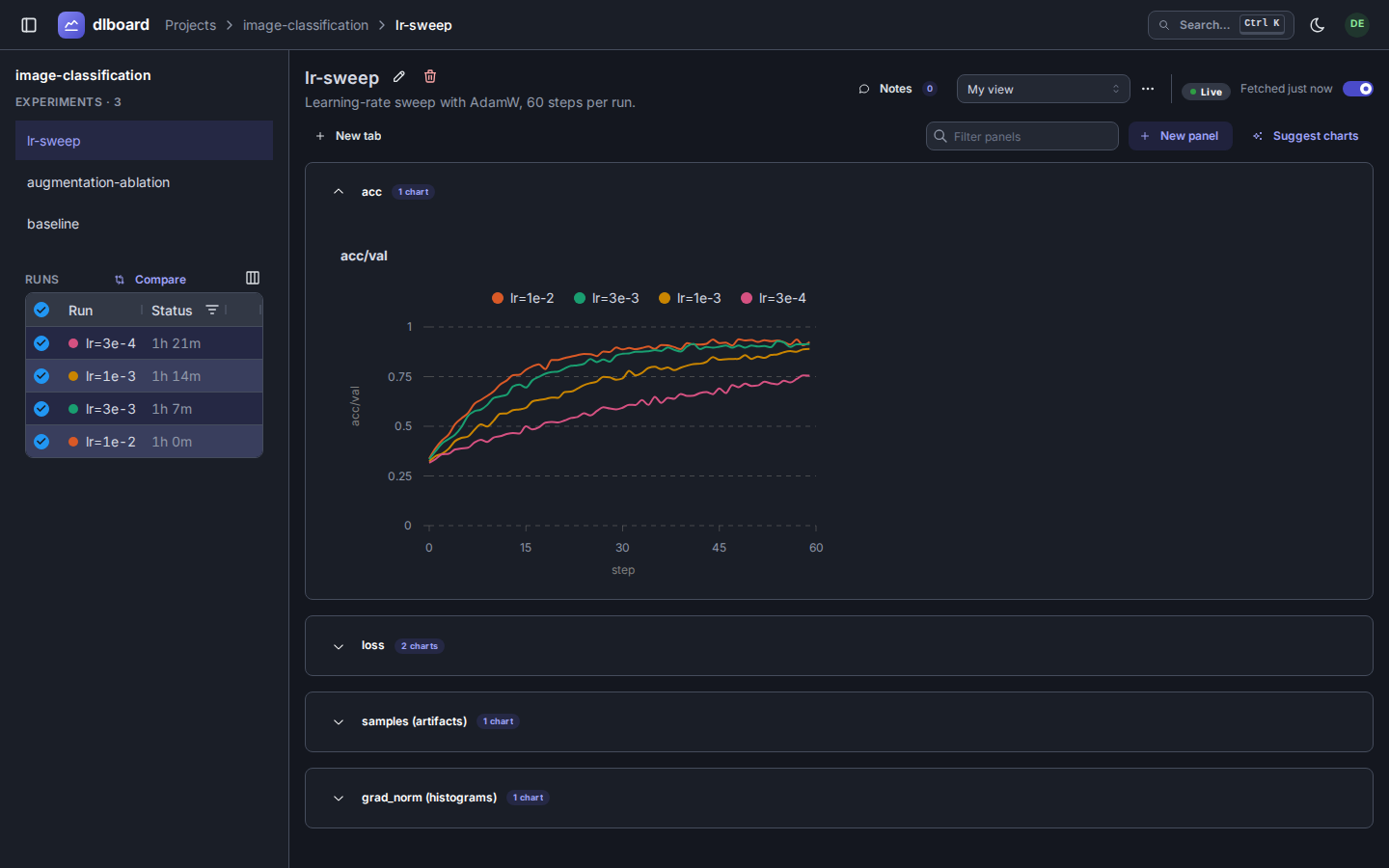
Compare runs side-by-side — Filter, sort, and compare runs without losing context:
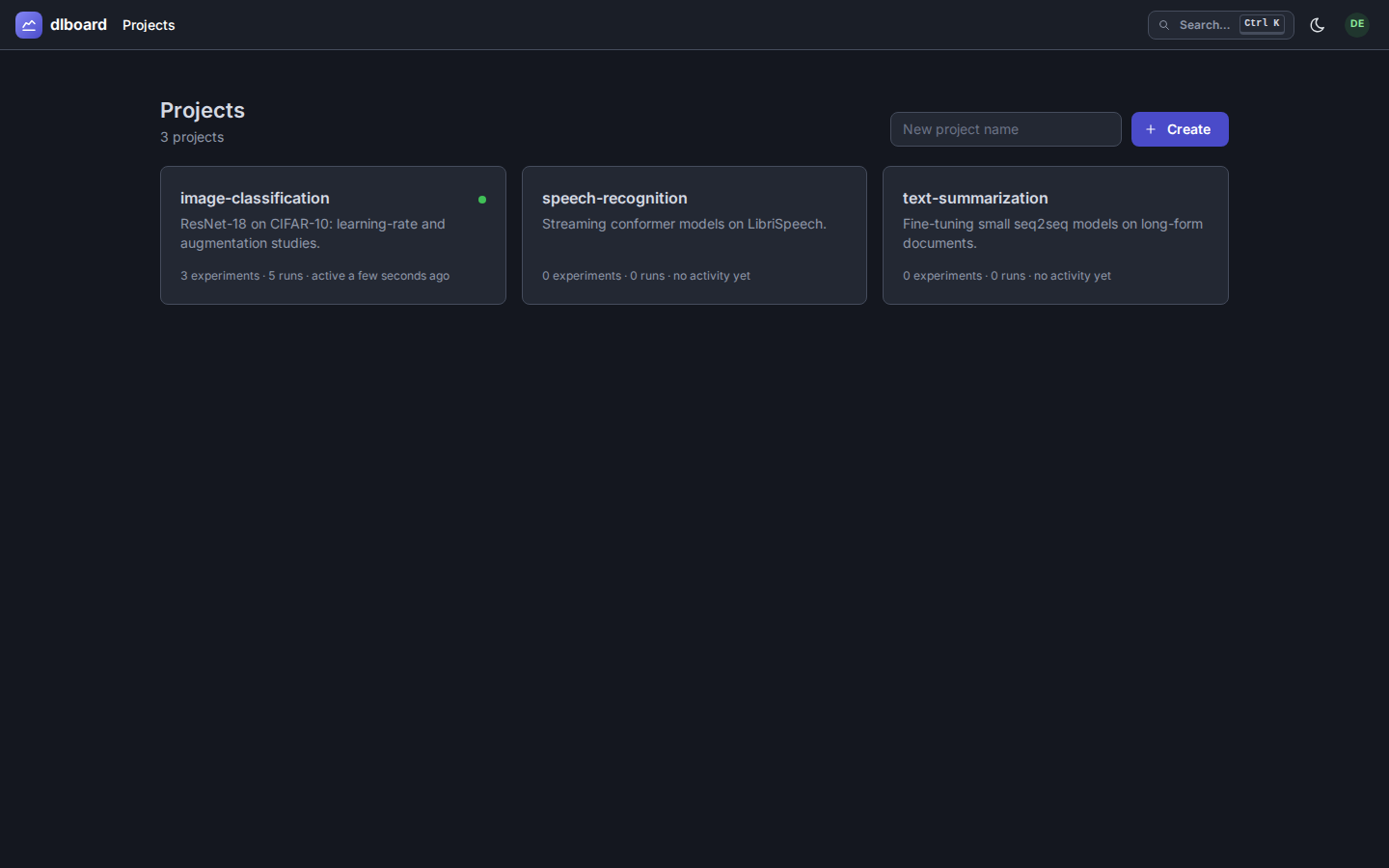
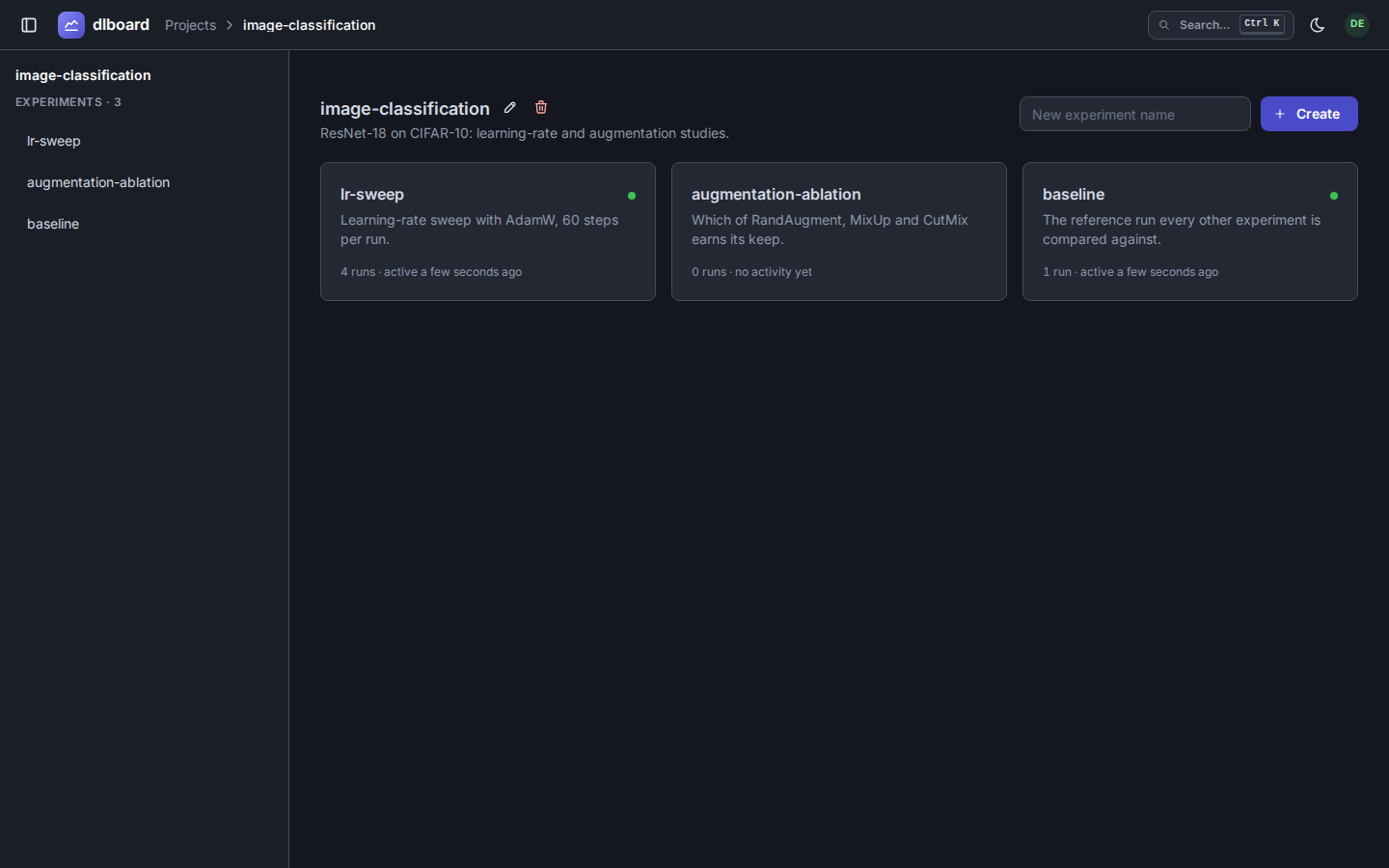
Projects & experiments — Browse all your projects, see experiment results at a glance:
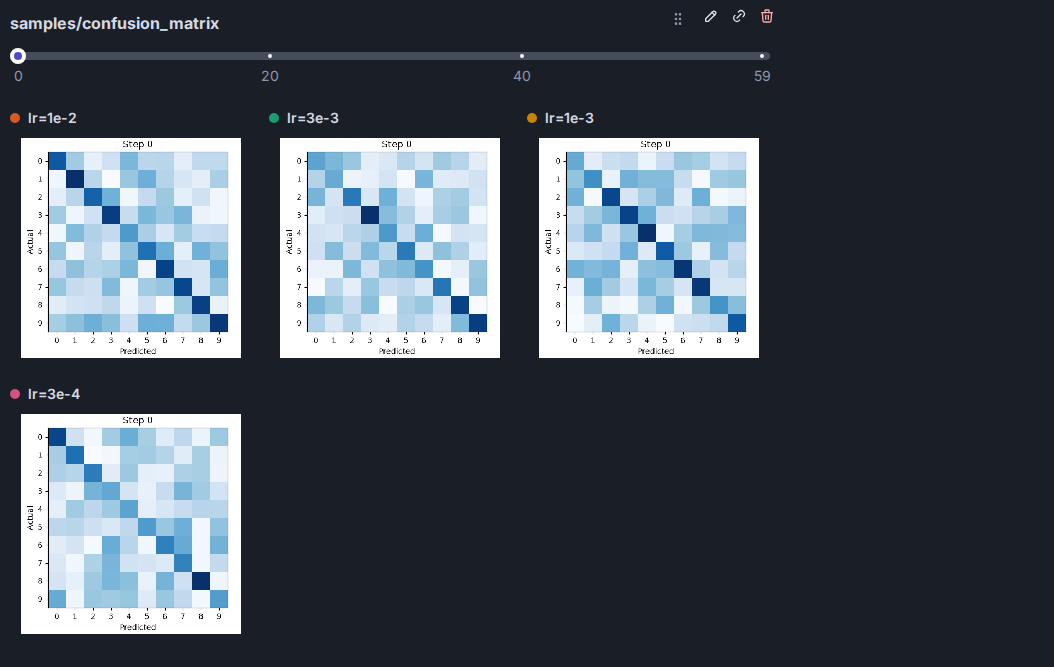
Step through artifacts — View confusion matrices, learning curves, or any images logged during training:
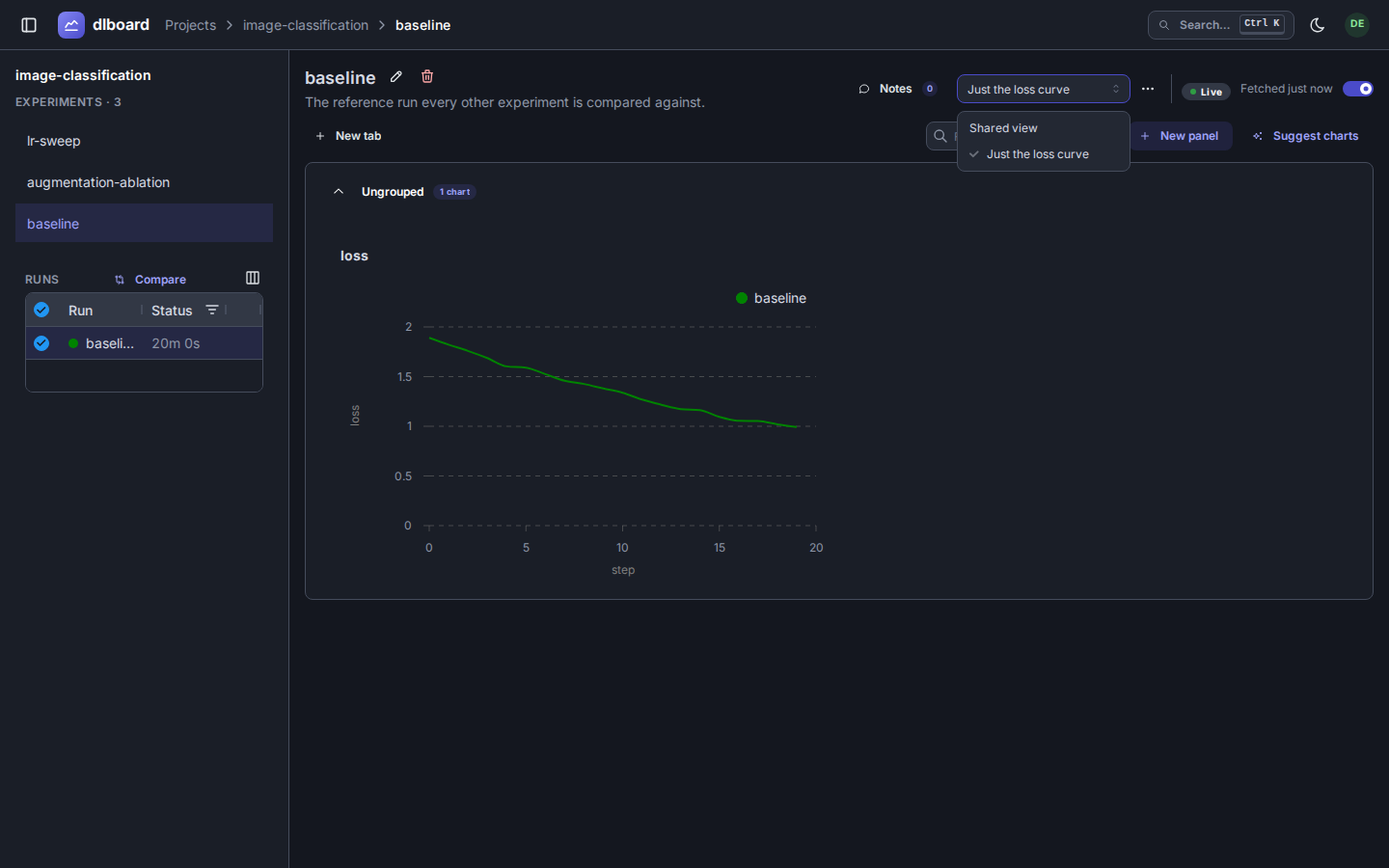
Personal views — Customize layouts per-user without affecting what others see (or share it with them with a click of a button):
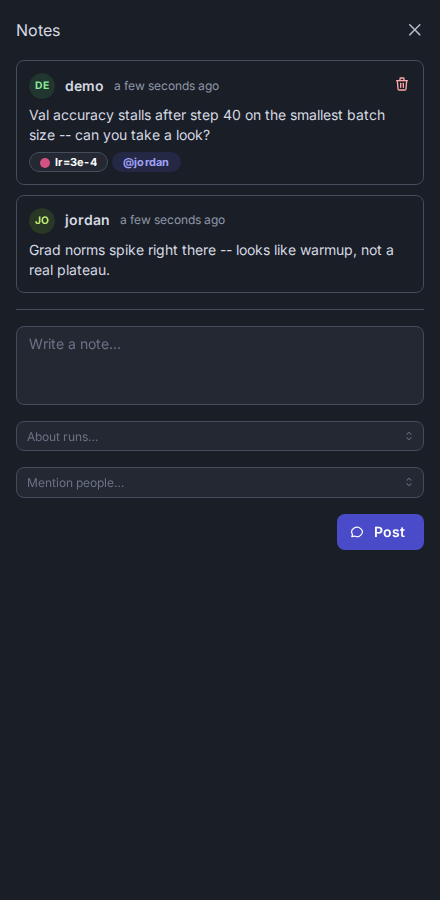
Collaborate with notes — Leave notes on experiments, calling out specific runs or teammates by name:
Compare runs — Pick up to five runs and diff their hyperparameters and latest metrics in a modal; the URL carries the whole comparison, so you can share it:
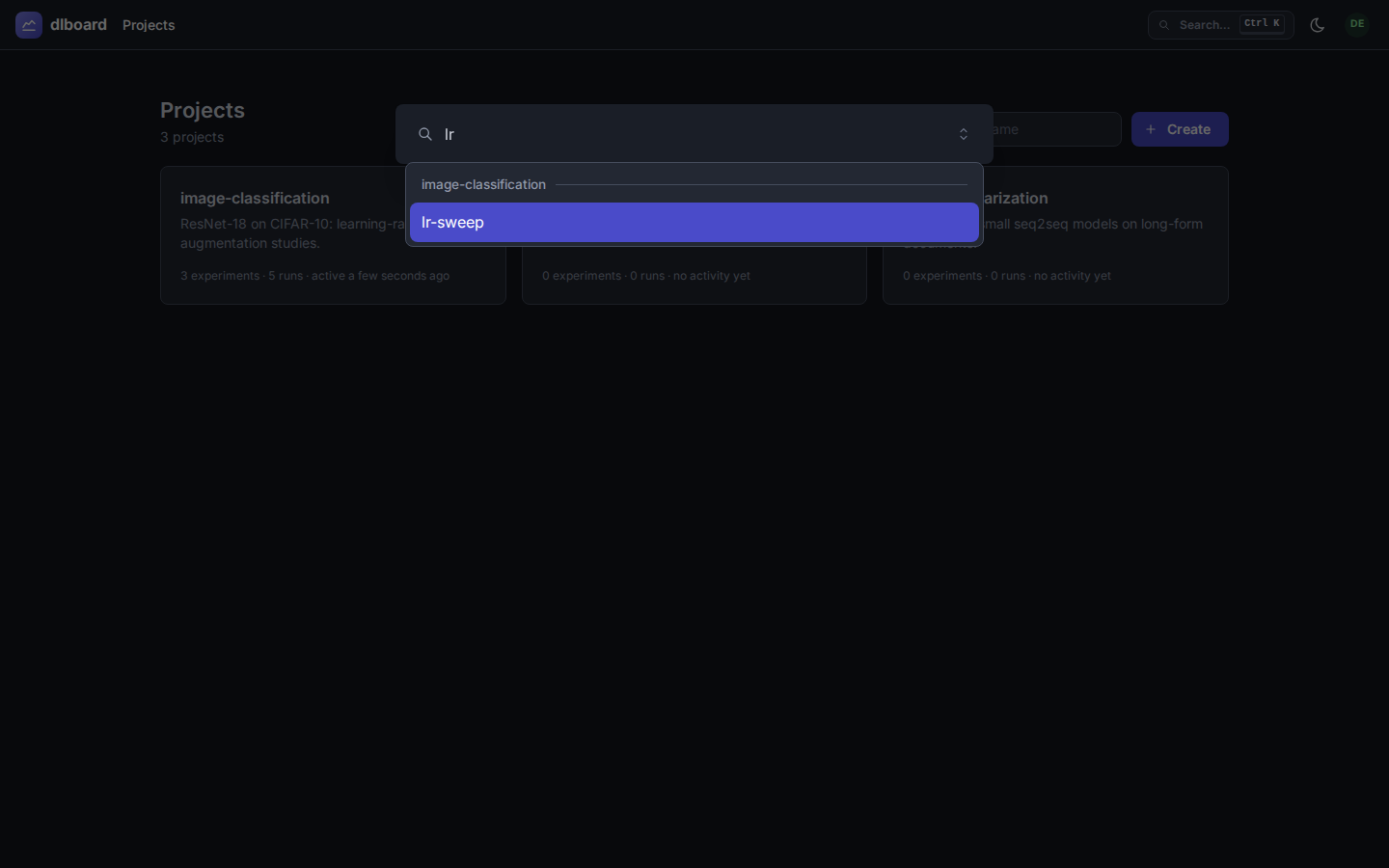
Quick jump — Search experiments by name with Ctrl+K:
Deployment
Local development is just dlboard serve local. For production deployments:
- Docker — See docs/docker.md for building an image with Postgres + S3 support
- Custom plugins — Bring your own storage backend, auth provider, or chart types:
dlboard serve custom --plugins mypackage.deployment:PLUGINS --workers 4See docs/plugins/overview.md for the plugin protocol.
- Multi-user with auth — Swap in
dlboard.plugins.PASSWORD_AUTHfor user sign-in and API tokens. See docs/plugins/auth.md.
Development
Everything runs through uv (Python >=3.12):
uv run --env-file .env dlboard serve local     # start the server
uv run pytest                       # run the test suite
uv run pytest -m browser            # run only the browser/e2e tests
uv run pytest --screenshots=update  # regenerate the docs screenshots in docs/images
uv run ruff check && uv run ruff format   # lint / format
uv run pyrefly check                      # type check
uv run prek run --all-files         # run pre-commit hooks manually
Learn More
- Architecture — how the app is put together: the plugin system, and the request flow from a training script to the browser.
- Client & logging —
DLBoardLogger, the REST client, and how to log a new kind of artifact. - Docker — building and running the image, its Postgres + local-disk default, and configuring it (including swapping in S3).
- Running it in production
- Configuration — every environment variable
- Reverse proxy & TLS — Caddy and nginx examples
- Telemetry — Prometheus and OpenTelemetry metrics and logs, for Grafana, Mimir and Loki
- Upgrading and Backup & restore
- Compatibility — what’s stable across releases and what may still change
- Plugins — dlboard has no built-in opinions about storage, auth, charts, or theming; all of it is plugins. (Page layout is the one deliberate exception — see architecture.md.) Start with the overview, then the category you need:
Contributing
Pull requests are welcome. See CONTRIBUTING.md for setup and expectations.
The project follows these principles:
- Code quality over volume — all PRs are reviewed and understood before merging
- AI-generated code is welcome — but hold it to the same standard as hand-written code
- Keep it small — large features are split into reviewable stacks
AI Usage
I started dlboard as a personal project coded by yours truly. As I went down the rabbit hole of implementation I realized I was spending a ton of time twiddling with webdev instead of actually doing useful work. At some level, experiment tracker libraries live and die by their browser experience and their offered feature set. I set out to make a free, open-source tool that I actually wanted to use for my own projects. Making something I actually wanted to use became a behemoth of wiring up dash app components in ways that were performant and made sense. So, I decided that it’d be better to get an app out the door into hands of users than it would be to do everything by hand.
So, is the app coded in a way I personally would have written it? Absolutely not. Does it work and provide value today instead of 6 months down the line? Yeah, it does. However, I remain a healthy skeptic of AI generated code. Therefore, I will only accept PRs (for now) that I myself can review and understand. That means contributors to this library need to hold their tools to a high standard and follow best practices for submitting PRs and features just like you would if you had coded it yourself.
tl;dr Can I submit AI vibe-coded-PRs for plugins I want that I think are useful to the community? Yes you can. Will I give serious reviews and (if they’re too big) ask you to split features up into a stack up so I can review them properly? Also yes.